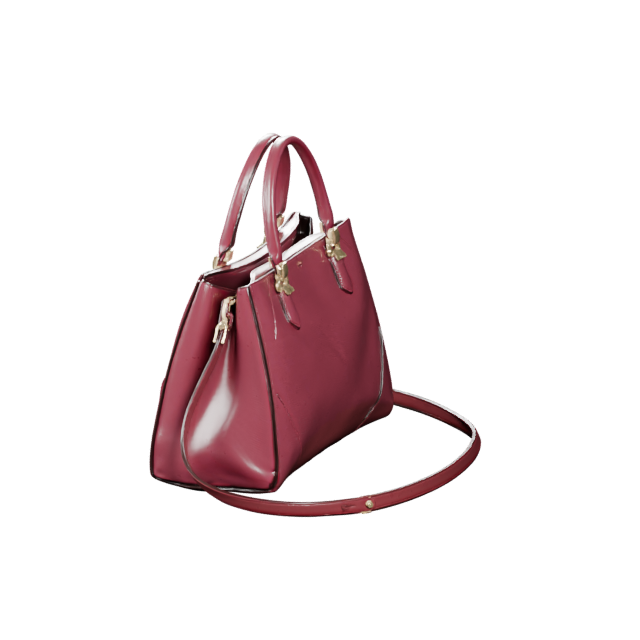
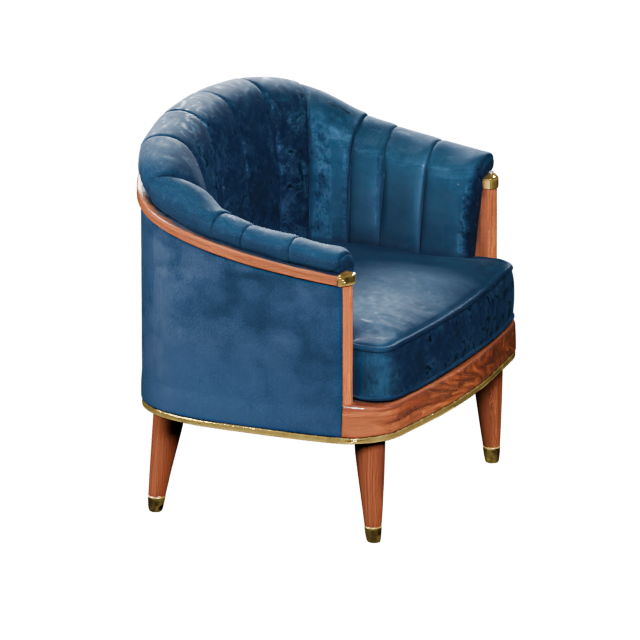
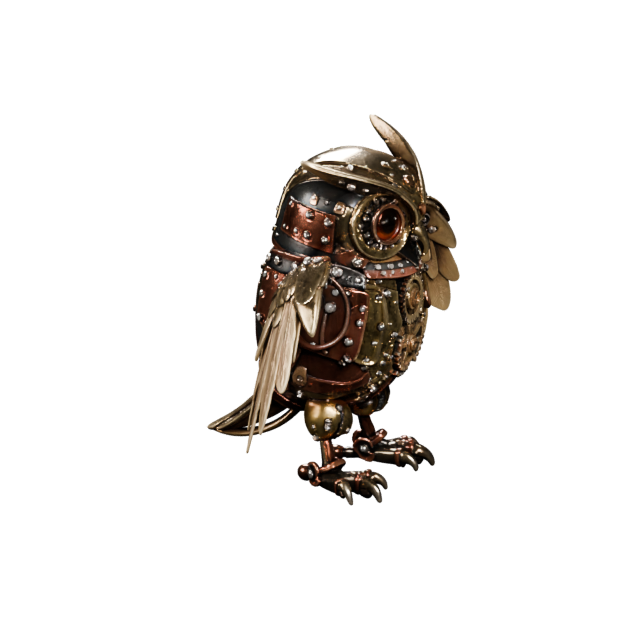
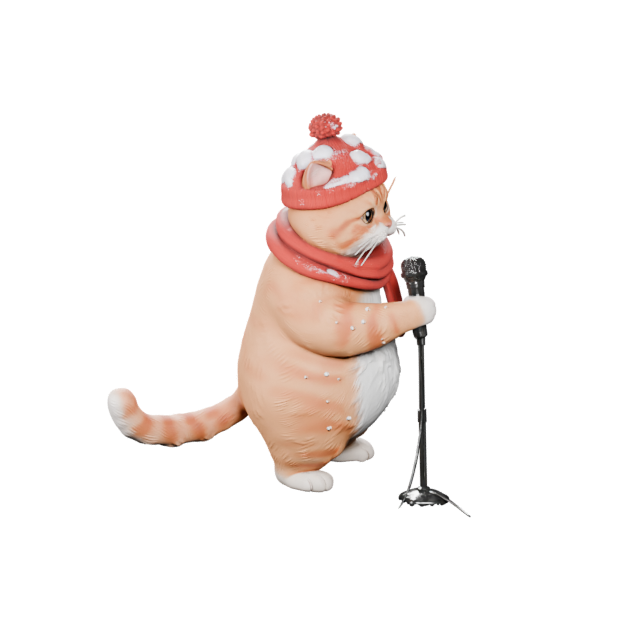
Prompt to mesh
Describe one object in everyday English and generate three-dimensional geometry you can rotate, inspect, and continue editing.
 AIto3D.ai
Sign in or create your account to generate and manage your AI 3D models.
By continuing, you agree to our Terms and Privacy Policy.
Turn a written idea into a downloadable 3D model. Describe a character, product, prop, vehicle, building, or collectible, then generate real 3D mesh geometry with controls for textures, PBR materials, geometry quality, and mesh type—ready to preview and export as GLB, OBJ, FBX, STL, PLY, USDZ, or 3MF.
Start with plain language, choose how the model should be built, and leave with an actual 3D asset—not a flat image with a 3D effect.
Describe one object in everyday English and generate three-dimensional geometry you can rotate, inspect, and continue editing.
Create a clean geometry-only model or add textures and physically based materials when color and surface response matter.
Balance speed and fidelity, then choose triangles for real-time use or quads for compatible editing and sculpting workflows.
Inspect the generated model online and download the file format required by your engine, editor, slicer, web viewer, or AR project.
No manual modeling scene is required to begin. Describe the asset, select generation settings, and inspect the result before export.
Explain the main object, silhouette, proportions, materials, colors, visual style, important parts, and intended use.
Select texture quality, PBR materials, geometry fidelity, and triangle or quad mesh output for the workflow ahead.
Rotate the model from every angle, review shape and surface details, and download the format that fits your next step.
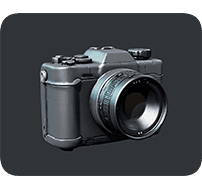
“A compact sci-fi field camera with a rugged gray shell, rounded corners, a wide glass lens, small side controls, and clean hard-surface details, designed as a game prop.”
A useful prompt works like a short asset brief. It tells the generator what the object is, how it is shaped, what it is made from, and how it should look.
Use faster settings for early exploration, or add textures, richer materials, detailed geometry, and editable mesh options when the asset needs more refinement.
Use No Texture for clean geometry or some printing workflows. Add textures when color, material, and surface appearance are important.
Physically based materials help metal, plastic, fabric, stone, wood, and other surfaces respond more naturally to lighting.
Standard is designed for faster iteration. Detailed prioritizes shape fidelity and smaller geometric features.
Triangles fit many game, real-time, and web pipelines. Quads can be easier to edit, sculpt, subdivide, or deform.
Exclude unwanted shapes, materials, colors, proportions, floating parts, extra limbs, text labels, or overly thin details.
Text to 3D is especially useful when you have a clear idea but no finished reference image. Generate a model, inspect it, and continue refining it for the project ahead.
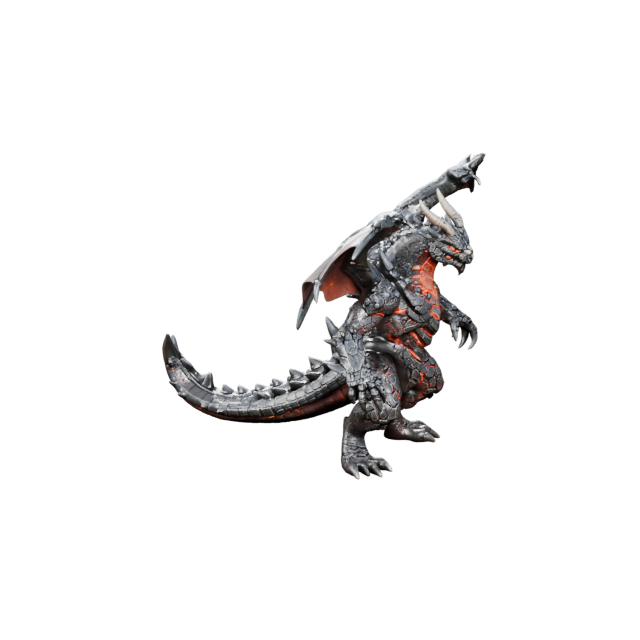
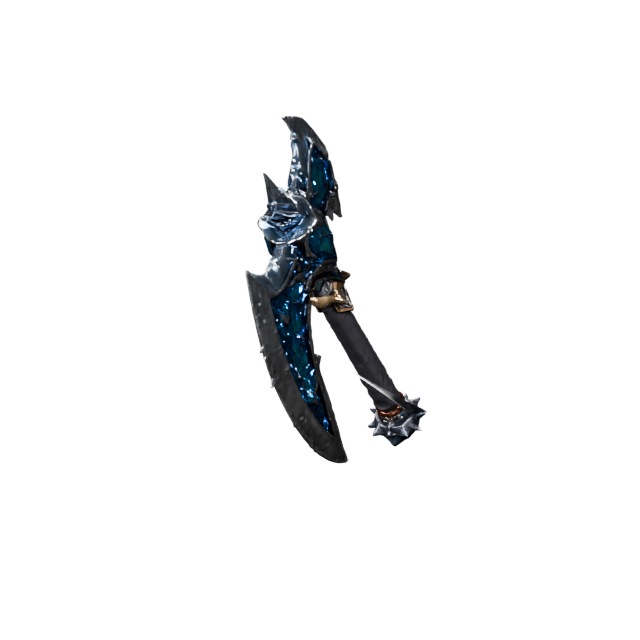
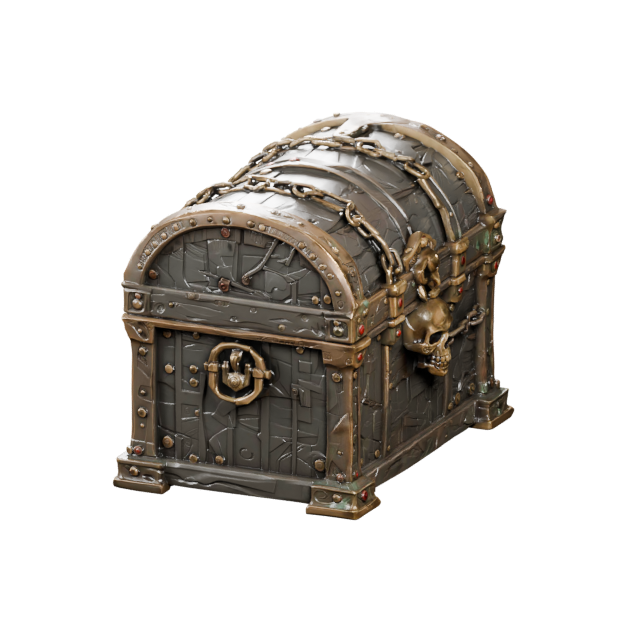
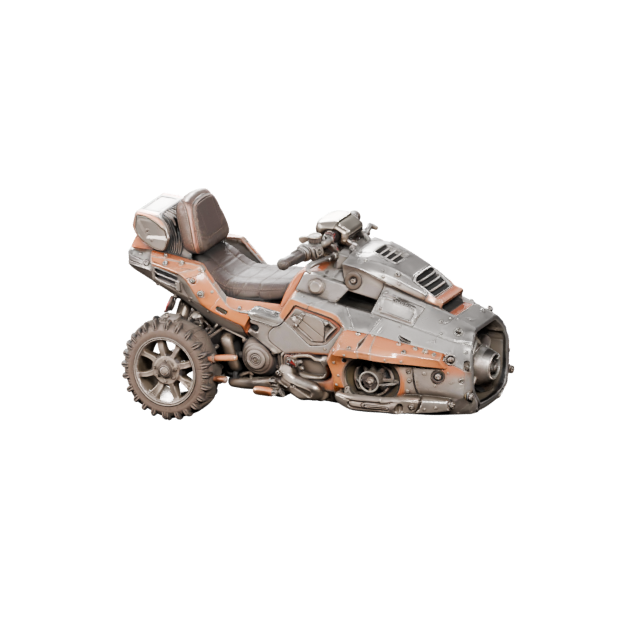
Create props, weapons, vehicles, creatures, buildings, environment objects, and collectibles for Unity, Unreal Engine, Roblox, and indie pipelines.
Turn written product ideas into three-dimensional concepts for early design exploration, reviews, presentations, and stakeholder discussions.
Generate figurines, decorative objects, prototypes, miniatures, and printable concepts, then inspect scale, thin parts, and model integrity.
Explore mascots, creatures, toys, statues, and collectible designs without beginning from an empty modeling scene.
Create early concepts for buildings, cabins, storefronts, furniture, structures, and environment assets from descriptive prompts.
Prepare lightweight assets for interactive web experiences, augmented reality previews, product demos, education, and online presentations.
Text to 3D is the beginning of the workflow. Prepare the file, check measurements, reduce file size, and create presentation-ready media with AIto3D.ai tools.
Convert GLB, OBJ, FBX, STL, PLY, USDZ, 3MF, and glTF for editors, engines, web viewers, manufacturing, and delivery.
Reduce file size for faster uploads, web viewers, product pages, collaboration, and easier sharing without rebuilding the model.
Estimate model volume, surface area, and size for quoting, packaging, production planning, material estimates, and 3D printing.
Turn the model into a square or vertical turntable video for product showcases, social media, ads, portfolios, and client reviews.
Choose the format that fits your editing, game, web, AR, animation, or 3D printing workflow. Convert the model later when another application requires a different file type.
AI-generated 3D models can accelerate ideation, prototyping, and asset creation. Final requirements still vary by project, so inspect and refine the result before shipping, manufacturing, printing, animating, or using it commercially.
Clear answers about prompts, textures, PBR, mesh types, formats, 3D printing, editing, credits, and commercial use.
Try the generatorA text to 3D AI generator turns a written description into three-dimensional mesh geometry. Describe an object, character, product, vehicle, building, prop, or collectible, then generate a model that can be previewed and downloaded.
Enter one focused prompt, choose texture, PBR, geometry, and mesh settings, and select Generate 3D. After processing, inspect the model from different angles and export the file format that fits your workflow.
Yes. AIto3D.ai provides free credits so you can try text-to-3D generation. Required credits update automatically according to the texture, geometry quality, and mesh type you select.
Include the main object, its silhouette and proportions, visible materials, colors, style, important parts, and intended use. A focused description of one main object usually gives clearer direction than a request containing several unrelated objects.
Yes. Choose a geometry-only model or select Standard or Detailed textures. When textures are enabled, PBR materials can add physically based surface information for more realistic lighting.
Choose triangles for most real-time, web, and game workflows. Choose quads when you expect to edit, sculpt, subdivide, deform, or continue refining the mesh in compatible 3D software.
AIto3D.ai supports common formats including GLB, OBJ, FBX, STL, PLY, USDZ, and 3MF. The right format depends on whether the model is intended for editing, game engines, web 3D, AR, animation, or 3D printing.
You can export compatible formats and continue working in supported 3D software and game engines. Depending on the project, you may still need to adjust topology, materials, UVs, scale, rigging, or optimization.
You can export STL or 3MF for printing workflows. Before printing, inspect scale, wall thickness, small details, unsupported parts, mesh integrity, and the requirements of your slicer and printer.
If a generation fails and no usable 3D model is created, the credits used for that failed generation are automatically returned to your account.
Commercial use depends on your account plan, the current AIto3D Commercial License, your prompt or source material, and any applicable third-party rights. Review the license terms before commercial use.
Describe the object, choose your generation settings, and create a downloadable 3D model online with AIto3D.ai.