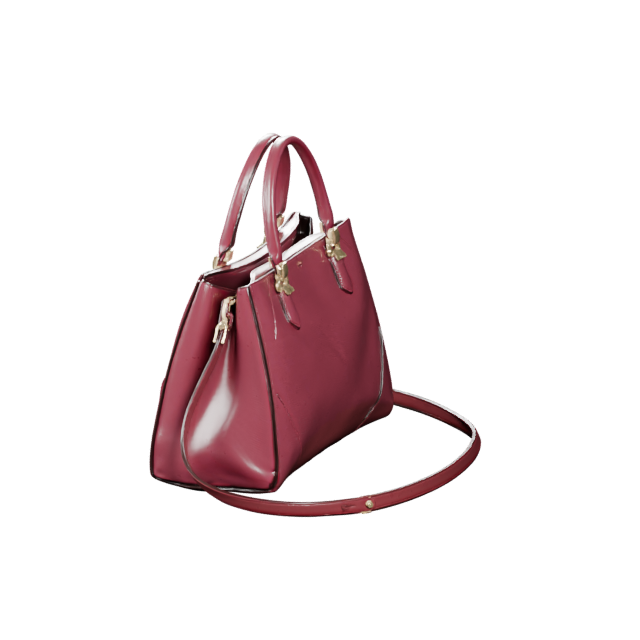
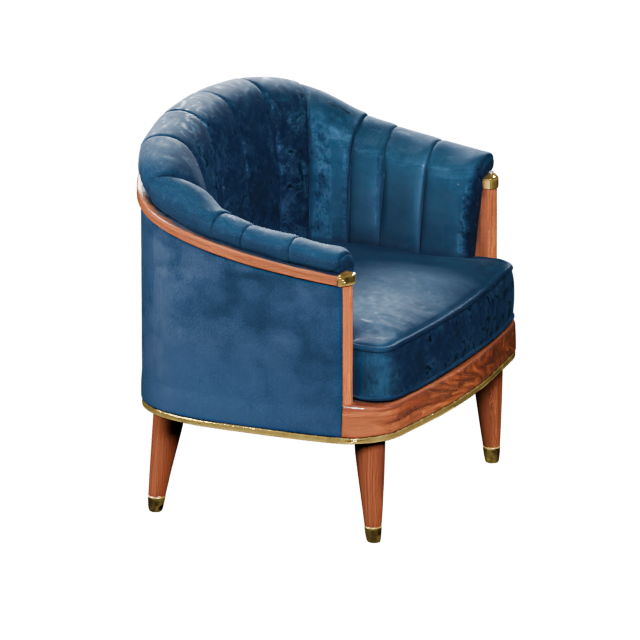
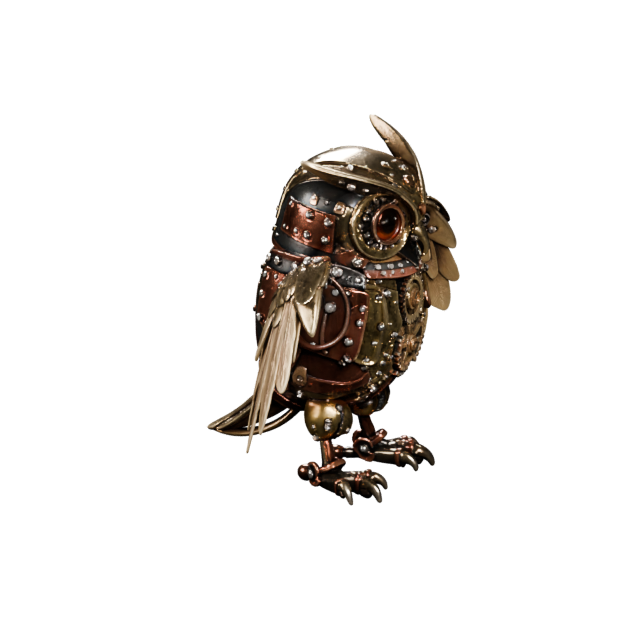

FrontSide
Establish the form
Front and side views give the model a primary silhouette plus depth. This is a practical starting point for simple, mostly symmetrical objects.
 AIto3D.ai
Sign in or create your account to generate and manage your AI 3D models.
By continuing, you agree to our Terms and Privacy Policy.
Upload front, side, back, and right views of the same object. The AI combines the visible shape, depth, and surface cues into one textured 3D model you can inspect, refine, and download.
This generation needs more credits than your current balance. Upgrade your plan or top up credits to start the Multiview to 3D task.
A model is only as informed as its reference set. Two views establish the main form. A third reveals the back. A fourth helps resolve asymmetry and details that appear on only one side.
Front and side views give the model a primary silhouette plus depth. This is a practical starting point for simple, mostly symmetrical objects.
Add a back view to guide rear panels, straps, openings, labels, handles, and other surfaces that a two-image set cannot show.
Add the opposite side when controls, attachments, logos, vents, or proportions differ from left to right.
Consistency matters more than quantity. Keep the same object, pose, scale, color, and design in every frame.
The best settings depend on what happens after download. Start with a practical preset instead of paying for detail your project does not need.
A lower-cost choice for checking silhouette, proportion, and overall direction before a detailed pass.
Choose this when color, material response, and close-up presentation matter more than editable topology.
Use this for Blender, ZBrush, sculpting, retopology, or animation preparation.
Use this for STL or 3MF workflows, then inspect scale, thin parts, wall thickness, and watertightness before printing.
Multiple views work best when the subject keeps a stable shape and has readable edges. Use this guide to decide whether to generate now or improve the reference set first.
These subjects usually have stable silhouettes and clear surfaces.
Small structures can disappear when the reference is soft, dark, or obstructed.
Reflections and changing silhouettes can conceal the object’s real shape.
The generator uses visible references to create a consistent 3D asset. Areas that are missing, blocked, or unclear still have to be estimated.
For manufacturing, precision fit, or final 3D printing, verify scale, topology, thin parts, manifold geometry, and hidden surfaces before use.
The same generated model can serve different workflows, but the most useful format and mesh type depend on the destination.
Use GLB for web viewers and portable materials. Choose USDZ for Apple AR workflows.
Choose Quads when you expect more sculpting, topology edits, or animation preparation.
Inspect scale, normals, materials, and polygon count after import into the engine.
Texture is optional. Inspect wall thickness, holes, scale, and watertightness before slicing.
Use PLY when a workflow needs geometry or vertex color information.
Learn how many references to use, which views work best, when to enable PBR, and what to check before downloading the final model.
Yes. Upload 2–4 images of the same object. Front and left views are required, while back and right views add more coverage. The images are combined into one 3D model rather than generating a separate model from each image.
Two views can establish the basic form. Three views help guide the back. Four views are useful for asymmetric objects or subjects with different details on each side.
Yes. A front, side, and back set is one of the most useful combinations because it covers the main silhouette, depth, and rear structure.
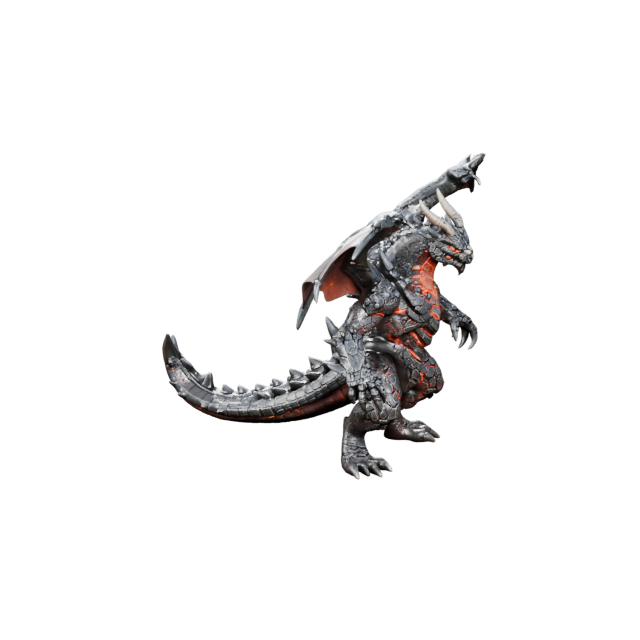
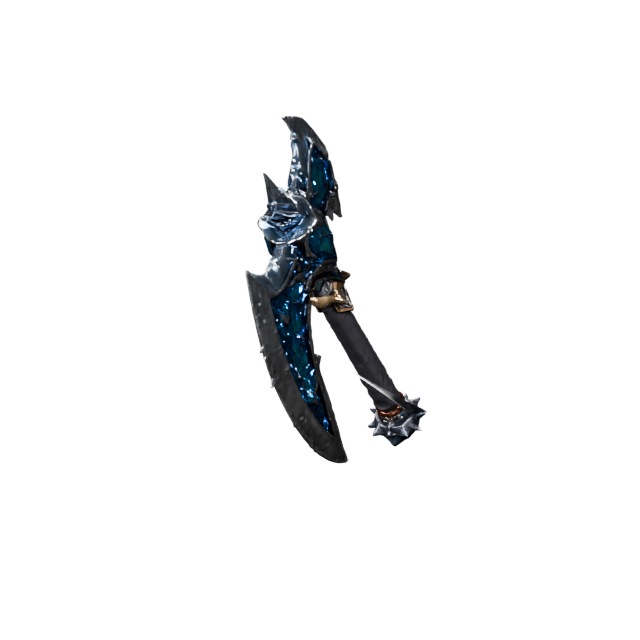
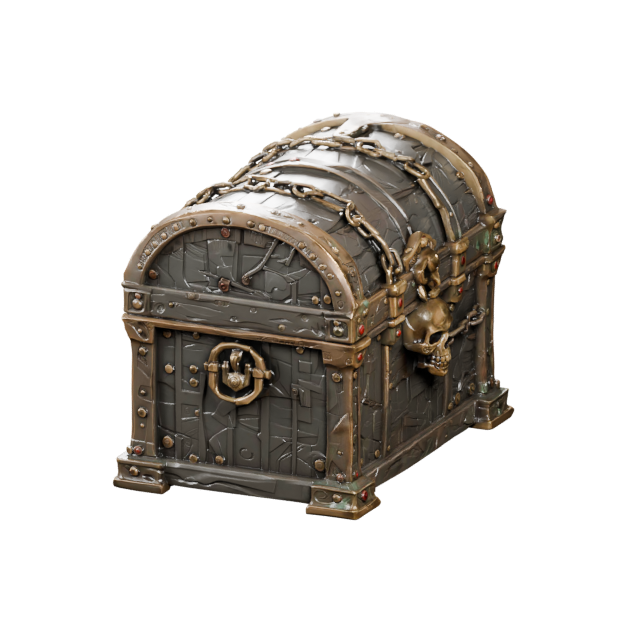
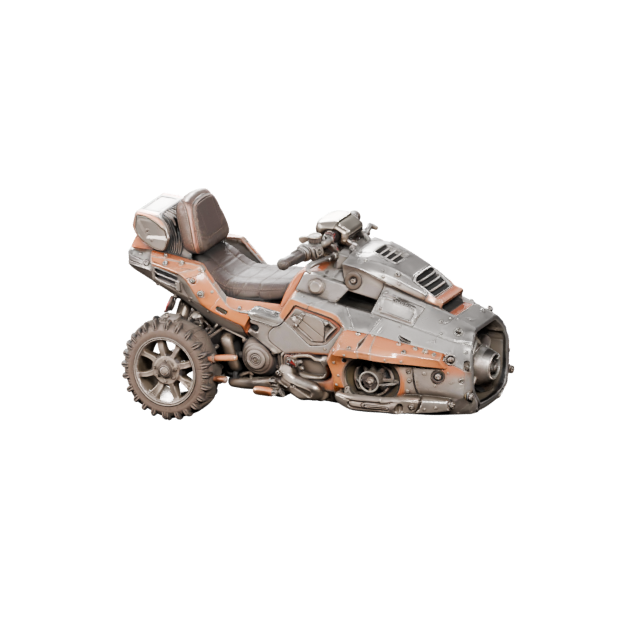
Yes. Upload front, left, back, and right views of the same object. Four views are especially helpful for tools, products, vehicles, props, and other asymmetric subjects.
Yes. Keep the same object, pose, proportions, colors, and design. Changing the pose or mixing different versions makes it harder to align the references into one consistent model.
You can, but the subject should remain visually consistent. A matched reference set with the same proportions and design usually provides clearer guidance than images with conflicting styles or details.
No. This is AI-based 3D model generation from a small reference set. Traditional photogrammetry usually relies on many overlapping photographs and is better suited to scan-style reconstruction and measurement-oriented workflows.
Enable PBR when the model needs richer material response, realistic highlights, and more natural surface appearance. PBR requires a textured output and is automatically disabled with No Texture.
Triangles are efficient for web, game engines, and general use. Quads are better when you plan to edit, sculpt, retopologize, or prepare the mesh for animation.
You can export GLB, OBJ, FBX, STL, PLY, USDZ, and 3MF. The best format depends on whether the model is going to a browser, AR viewer, game engine, editing tool, or 3D printer.
No. The output is generated from visual references and should not be treated as a measured CAD model. Verify scale and dimensions before manufacturing, fitting, or other precision use.
Commercial use depends on your plan, the rights to the source images, and the AIto3D Commercial License. Only upload images you own or are authorized to use.
If no usable 3D asset is produced, the credits used for that failed generation are returned automatically.
Upload the views you already have, choose the quality that fits your workflow, and generate a model you can inspect before download.